
For the best view, rotate your phone to landscape (horizontal). You can also use Fullscreen.
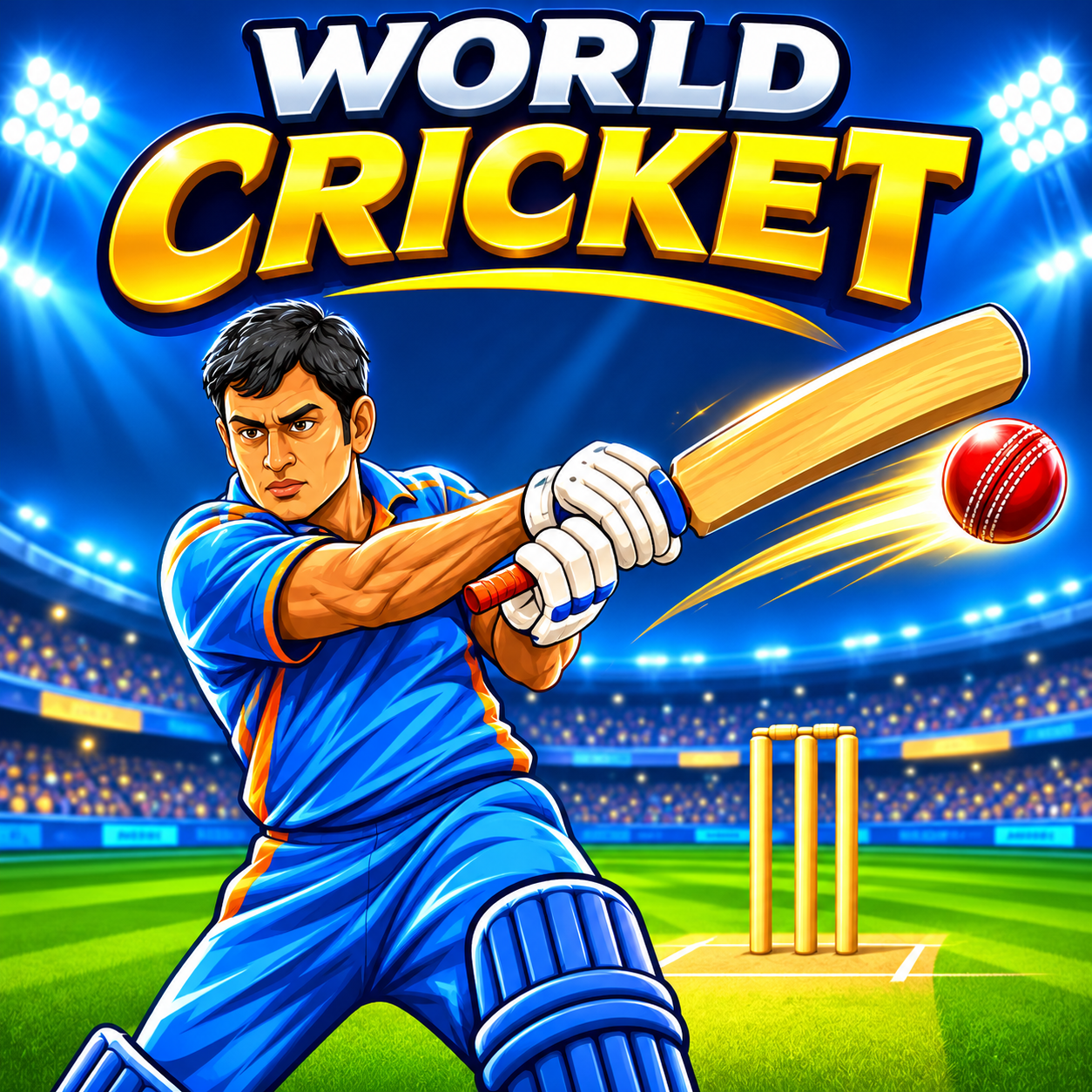
World Cricket Championship WCC Lite
Share, Embed & Follow
World Cricket Championship WCC Lite
View followed gamesLog in with an active account to follow games. Following is separate from liking a game.
- Rating:
- No votes yet
- Updated:
- November 22, 2026
- Added:
- November 22, 2026
- Platform:
- Web browser
step onto the pitch and enjoy the excitement of cricket in World Cricket! Get ready to face deliveries, score runs, and take on the opposing team in a browser cricket game.
Choose a match, prepare your team, and head onto the field. When batting, watch each delivery carefully and time your shot to find gaps and build your score. When it’s time to bowl, use the on-screen controls to challenge the batters and try to take wickets.
Every run matters as the match unfolds. Keep an eye on the score, make the most of your opportunities, and see if you can lead your team to victory. Whether you’re a cricket fan or just looking for a sports game to try, World Cricket brings the action of the pitch to your browser.
Key controls & how to play
To play World Cricket on a PC, click inside the game first so it receives your keyboard input.
- Use the arrow keys to aim or move.
- Press S to select or play a shot.
- Hold A for a power shot.
- Press D to run and C to cancel a run.
- Use the mouse to choose menus and buttons.